Updated 2026-10-16 · 4 min read
Three charging habits that shorten a rechargeable device's life
Rechargeable adult products use the same lithium cells as everything else, and they fail for the same three reasons. Here is how to charge one properly and how to store it between uses.
Habit 1: storing it flat
Leaving a lithium cell at zero for weeks is the fastest way to lose capacity permanently. A device stored dead in a drawer for two months can come back with noticeably less runtime.
Charge it to roughly half before it goes into storage. Half-charged is the state lithium cells tolerate best — not full, not empty.
Habit 2: leaving it on the charger
These devices have simple charging circuits, not the sophisticated management in a phone. Leaving one plugged in overnight, every night, keeps the cell at maximum voltage, which is the state that ages it fastest.
Charge it, unplug it when the light changes, use it. There is no benefit to keeping it topped up.
Habit 3: charging a wet device
This is not really a battery problem, it is a corrosion problem — but the symptom shows up as "it stopped charging". Water in a charging port corrodes the contacts, and the device looks dead even though the cell is fine.
Dry the port and the seal completely before plugging anything in. If a device has been used in water, give it an hour.
Storing it properly
- Half-charged, not empty and not full
- Somewhere cool — a bathroom cabinet in a UAE summer is not cool
- Not compressed or bent; pressure on the housing can damage the cell inside
- Top it up every few months if it sits unused
Mentioned in this post
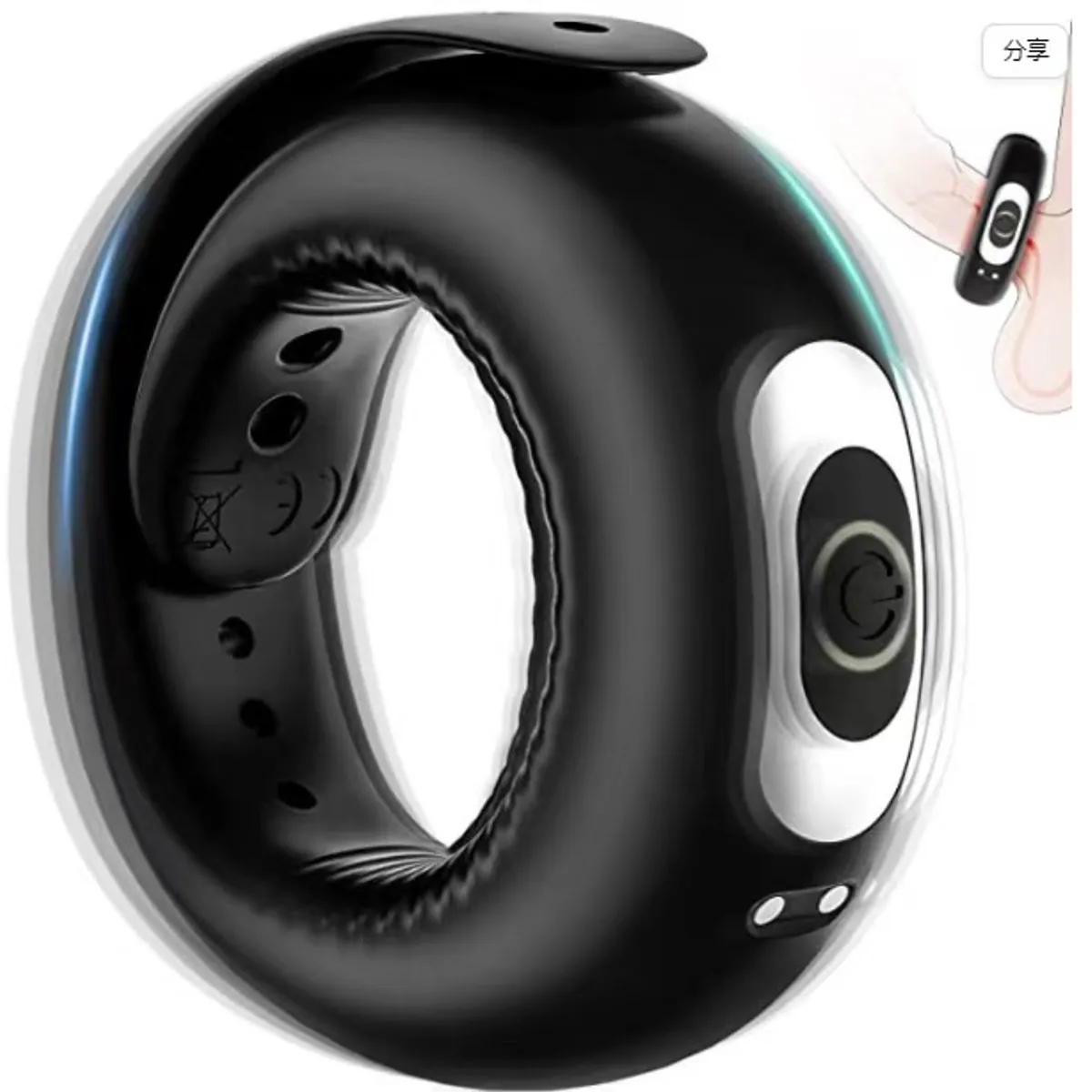
Rechargeable Adjustable Vibrator

Vibrating Cock Ring — Rechargeable

Heating Thruster — 37 cm, Soft Body
Questions
How long should a full charge take? +
Typically one to three hours depending on the device. If it is still charging after six, something is wrong with the cable or the port.
Can I use a fast phone charger? +
Use a standard 5V USB output. Fast chargers negotiate higher voltages that these simple circuits are not built for.
The device will not charge — is it dead? +
Check the port first. Corrosion in the charging port is far more common than a failed cell.
Related